A new way to see your photo
Paper Relief
Turn a favorite view into a softly layered paper-relief poster.
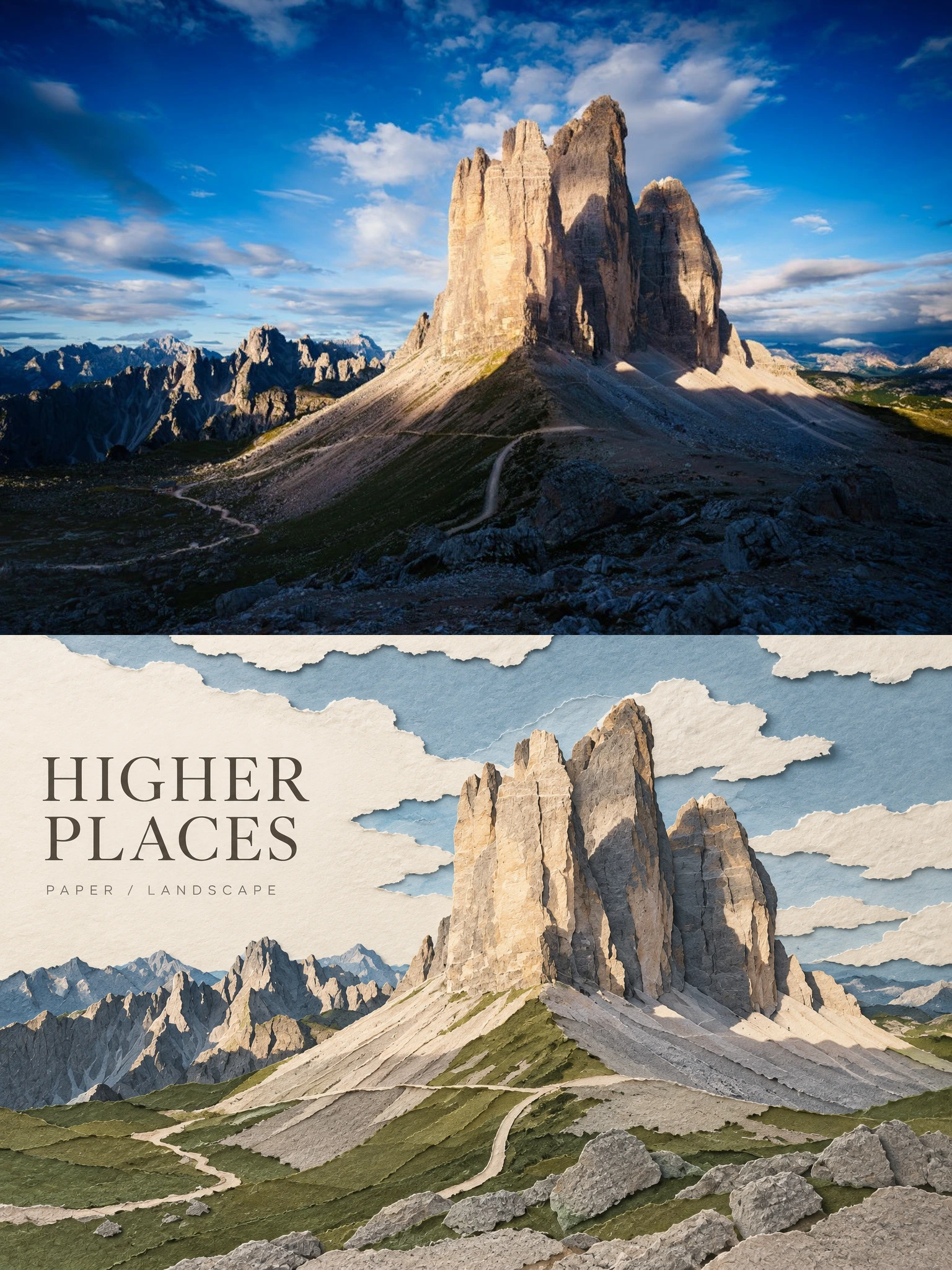 PhotoAI-generated example
Three limestone peaks and an alpine trail, reimagined as layered matte paper.
AI example made from a CC0 photo. English lettering is part of the artwork.
Choose a photo that fits
Best for mountains, coasts and landmarks with clear shapes and depth.
Next, choose your photo and review your options. Nothing uploads or generates until you click Create artwork.
What to expect
This AI-generated example illustrates the style. Your result will vary with your photo; details, colors and faces may change.
Choose a standalone artwork or a photo + artwork layout. Both are portrait 3:4 images; the photo + artwork layout keeps your cropped photo above the generated artwork.
From your photo to your artwork
Choose your photo
Use a photo you have permission to use. Choosing it prepares a draft on your device.
Make it yours
Review the crop and choose artwork only or a photo + artwork layout.
Confirm, then create
Sign in, review your available credits and AI processing notice, then click Create artwork. One successful artwork uses one credit.