A new way to see your photo
Photo Doodle
Your photographed scenery, with tiny hand-drawn travelers.
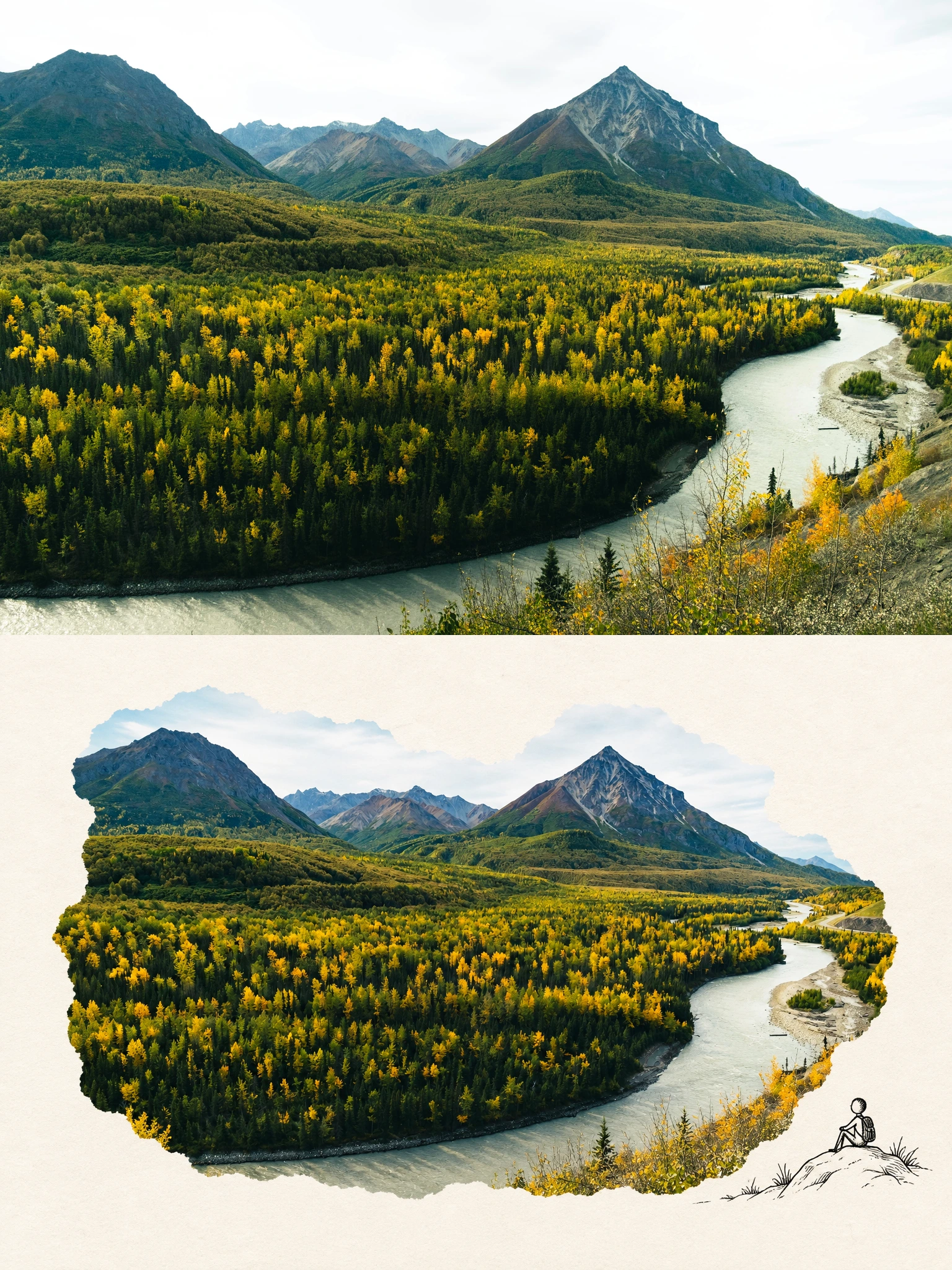 PhotoAI-generated example
A winding river and autumn trees, with tiny line-drawn travelers on ivory paper.
AI example made from a licensed photo.
Choose a photo that fits
Best for scenery, landmarks and travel photos with a clear main subject.
Next, choose your photo and review your options. Nothing uploads or generates until you click Create artwork.
What to expect
This AI-generated example illustrates the style. Your result will vary with your photo; details, colors and faces may change.
Choose a standalone artwork or a photo + artwork layout. Both are portrait 3:4 images; the photo + artwork layout keeps your cropped photo above the generated artwork.
From your photo to your artwork
Choose your photo
Use a photo you have permission to use. Choosing it prepares a draft on your device.
Make it yours
Review the crop and choose artwork only or a photo + artwork layout.
Confirm, then create
Sign in, review your available credits and AI processing notice, then click Create artwork. One successful artwork uses one credit.