A new way to see your photo
Torn Ink
Let a favorite view dissolve into watercolor beside a delicate torn-paper edge.
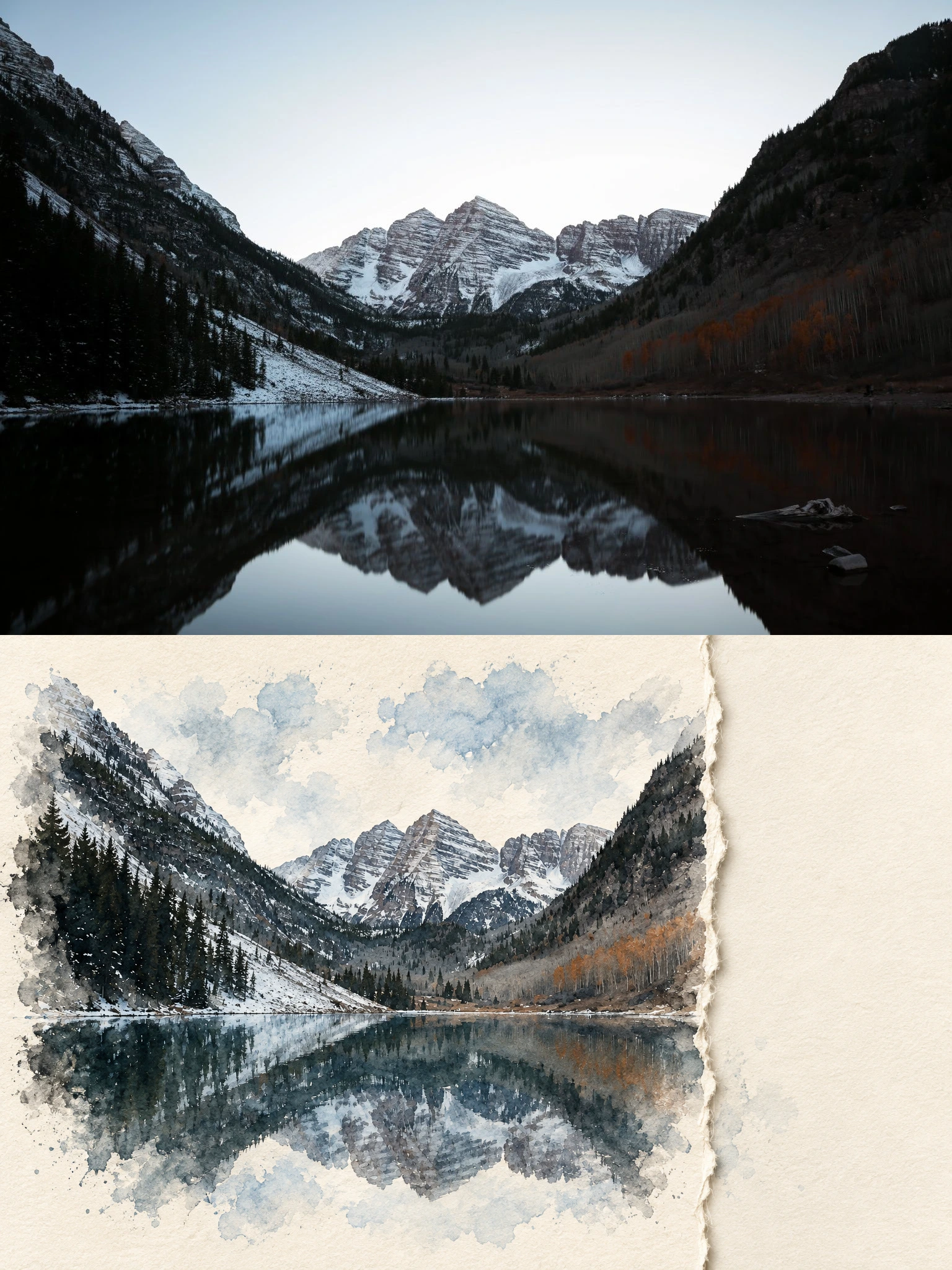 PhotoAI-generated example
Snow-striped peaks and a quiet lake reflection, fading into ivory paper beside a torn edge.
AI example made from a CC0 photo. No title or inscription is added.
Choose a photo that fits
Best for landscapes, lakes and architecture with clear shapes and depth.
Next, choose your photo and review your options. Nothing uploads or generates until you click Create artwork.
What to expect
This AI-generated example illustrates the style. Your result will vary with your photo; details, colors and faces may change.
Choose a standalone artwork or a photo + artwork layout. Both are portrait 3:4 images; the photo + artwork layout keeps your cropped photo above the generated artwork.
From your photo to your artwork
Choose your photo
Use a photo you have permission to use. Choosing it prepares a draft on your device.
Make it yours
Review the crop and choose artwork only or a photo + artwork layout.
Confirm, then create
Sign in, review your available credits and AI processing notice, then click Create artwork. One successful artwork uses one credit.